Capybara Village
What is Capybara Village?
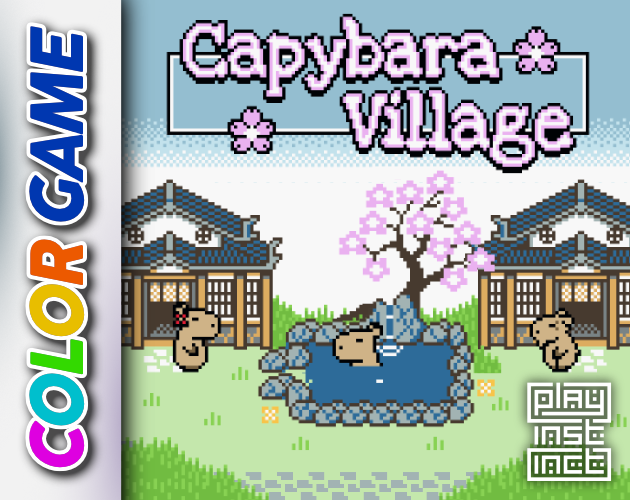
Capybara Village is a cozy capybara-themed game made for Game Boy Color and playable in a web player. Players explore the village, find items, sell them to local shops, and collect costumes and furniture.
Capybara Village is a cozy capybara-themed game created for the Game Boy Color and playable through a web player. The game was made in 3 days for the Cozy Spring Jam. The player explores the village to find items, sells items to local shops, and buys or finds new costumes for the capybara and new furniture for the home. The artwork and programming were done by the developer within the 3-day jam period; music, sound, and fonts were recycled from previous games. It was built with GB Studio.
How to play Capybara Village
- Move with Arrow Keys or the D-Pad.
- Confirm with Z / J or A.
- Go back with X / K or B.
- Open the menu with Enter or Start; use Shift or Select for Select.
- Explore the village to find items and sell them to local shops.
- Buy or find costumes for the capybara and furniture for the home.
Capybara Village controls
Controls are taken from the developer's itch.io page.
Tips for Capybara Village
- Click into the web once more if the web player does not register inputs.
- Movement uses Arrow Keys or the D-Pad; confirm and back use separate buttons.
- Explore for items, then sell them to local shops.
- Costumes for the capybara and furniture for the home can be bought or found.
- Many of the creator's ideas were not implemented in the 3-day jam version.
Capybara Village FAQ
What can players do in Capybara Village?
Explore to find items, sell items to local shops, and buy or find costumes and furniture.
What controls does the game use?
Keyboard controls use Arrow Keys, Z or J, X or K, Enter, and Shift; Game Boy controls use the D-Pad, A, B, Start, and Select.
What was the game made for?
It was created for the Game Boy Color and runs on original hardware; a web player is also available.
How long did development take?
The game was made in 3 days for the Cozy Spring Jam.
About this game
Read the full developer description
A cozy little capybara-themed game
This game was Created for the Game Boy Color and runs on original hardware. However you can also play the game with the web player above. Find more information about the controls below.
Made in 3 days for the Cozy Spring Jam.
Do you like cozy retro games? Make sure to check out my game My Friendly Little Island, too 🩷
(If the web player does not register your inputs, try clicking into the web once more)
- Enjoy the serene Capybara Village
- Go on explorations to find items
- Sell items to local shops
- Buy / find new costumes for your capybara
- Buy / find new furniture for your home
I did not even come close to implementing all of my ideas within the 3 days of the game jam. Here are a couple of things I might change / add in the future:
- Completely different story: Your grandmother told you about the beautiful village she lived in as a child. After she passed away you want to visit the village, but find it deserted and in ruins. So you decide to rebuild the village. Rebuilding the village requires the items you find on explorations.
- Allowing to meet new capybaras on your explorations and to invite them to your village. With new villagers new features are unlocked.
- Making explorations more challenging
- Building a proper shop system that lets you select which items to sell
- Changing up the stock of the shops in the village from time to time
- Adding a cute little card game you can play with your villagers
- Creating a larger variety of areas to explore with new items to find
- Farming
- Adding a day/night cycle
- Potentially adding seasons (?)
- Maybe adding different weather (???)
- More outfits, even full-body costumes
- More furniture, even some with functionality (play music on a jukebox, play games on an arcade machine, ...)
- An original soundtrack
- More soundeffects
- Obviously fixing all bugs and glitches
- All artwork and programming was done by me within the 3-day period of the game jam.
- Music, sound and fonts were recycled from some of my own previous games.
- Built with GB Studio
- Plugins used: Advanced Dialogue 2 by Brian Rollins, Advanced Dialogue by Pautomas, Adventure+ by Hauntology, Swap Tiles by Frederik
Description from Capybara Village on itch.io, by playinstinct.
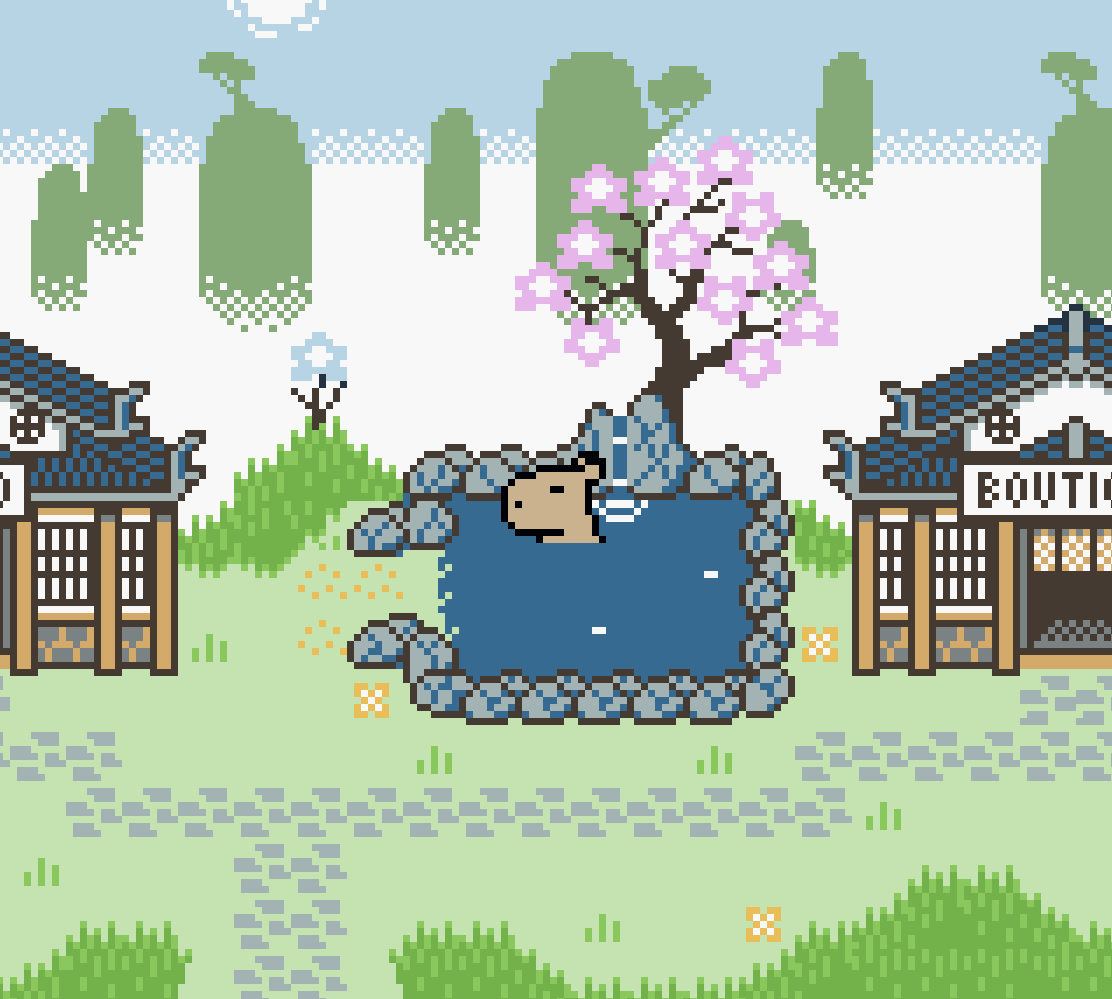
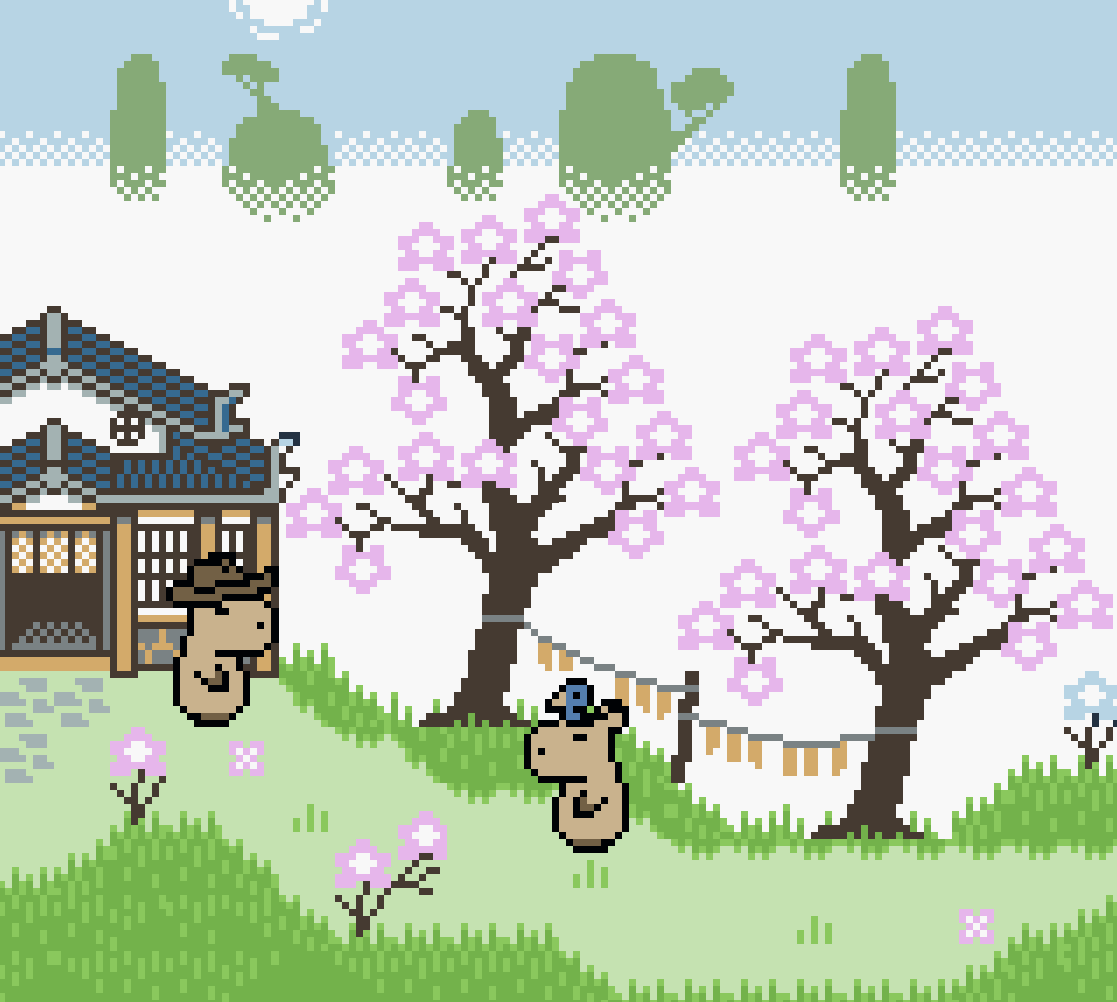
Screenshots


Not listed by the developer: release date, genre, mobile support, publisher, age rating. We left these out rather than guess.