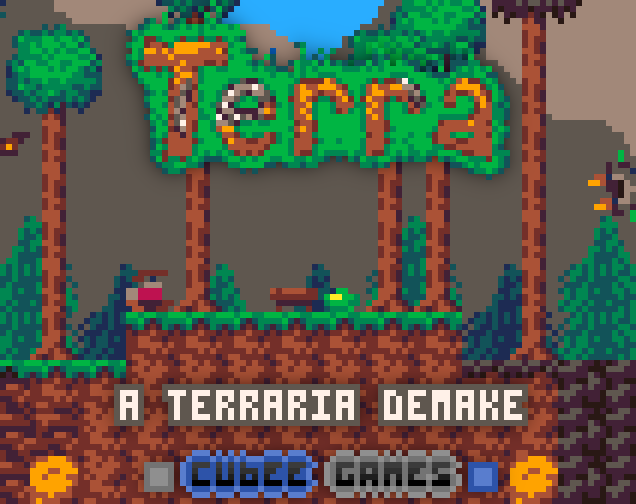
What is Terra - A Terraria Demake?
Terra is a tiny fanmade Terraria demake set in a PICO-8 world. Players explore biomes, mine and craft, fight enemies, and summon bosses while using controller or keyboard-and-mouse controls.
Terra is a fanmade demake of Terraria built in PICO-8. It packs a large 256x128-tile map into extended memory, with Forest, Jungle, Corruption, Underground, Caverns, and Underground Jungle areas. Players mine, craft, use melee and ranged weapons, and deal with many biome and underground enemies, including 9 enemy types with 25 variations. Progress includes 4 bosses—King Slime, the Eye of Cthulhu, Ocram, and Plantera—each with summoning requirements. World generation includes spaghetti caves, while lighting uses a palette fade and a day-night cycle. A custom character creator cartridge and optional keyboard plus mouse controls add convenience.
How to play Terra - A Terraria Demake
- Open the pause menu by holding the pause button, then use TOGGLE MOUSE to switch between Controller Mode and Mouse Mode.
- In Controller Mode, use Z to jump and X to use an item; in Keyboard + Mouse Mode, use Space Bar or Right Click to jump and Left Click to use an item at the mouse location.
- Open the crafting/inventory screen with Pause/Enter or E/Enter/Scroll Wheel Click, depending on the mode.
- Explore biomes, mine and craft, fight enemies, and smash Life Crystals and Shadow Orbs.
- To save, hold the pause button, choose save, and paste the copied player and world data into separate empty text files.
Terra - A Terraria Demake controls
Controls are taken from the developer's itch.io page.
Tips for Terra - A Terraria Demake
- Ranged weapons automatically aim toward the nearest visible target and prioritise bosses.
- Life Crystals and Shadow Orbs can be smashed while exploring.
- Each of the 4 bosses has its own summoning requirements.
- If loading a save fails, check that the file starts with the save numbers and has no leading empty space.
Terra - A Terraria Demake FAQ
What is Terra?
Terra is a fanmade Terraria demake built in PICO-8.
What platforms are supported?
HTML5, Windows, macOS, and Linux.
How many bosses are included?
4 bosses: King Slime, the Eye of Cthulhu, Ocram, and Plantera.
How do ranged weapons aim?
They automatically aim toward the nearest visible target and prioritise bosses.
Can players use keyboard and mouse controls?
Yes, optional keyboard plus mouse controls are available, along with Controller Mode.
About this game
Read the full developer description
A tiny fanmade demake of Terraria in PICO-8!
If you haven't already, consider getting the original game. This is only a tiny portion of what Terraria has to offer!
And, if you enjoy this demake, please consider supporting me by purchasing one of my other games!
Features
- A large map of 256x128 tiles, stored using PICO-8's extended memory.
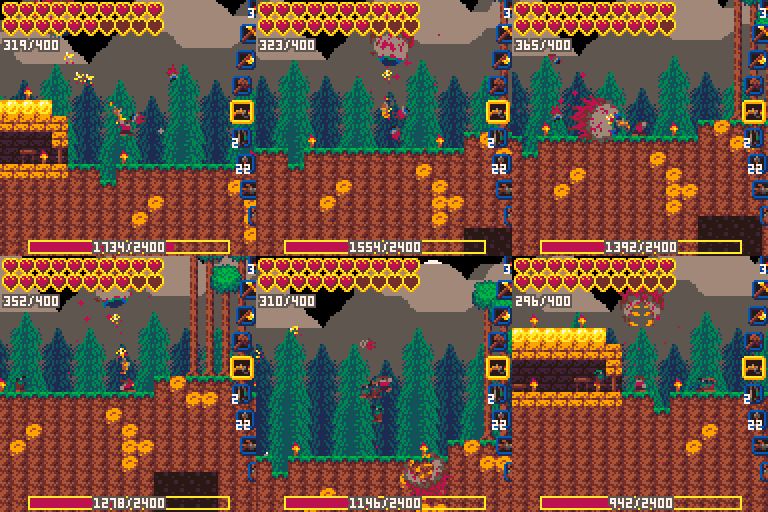
- Various biomes: Forest, Jungle, Corruption, Underground, Caverns, and Underground Jungle.
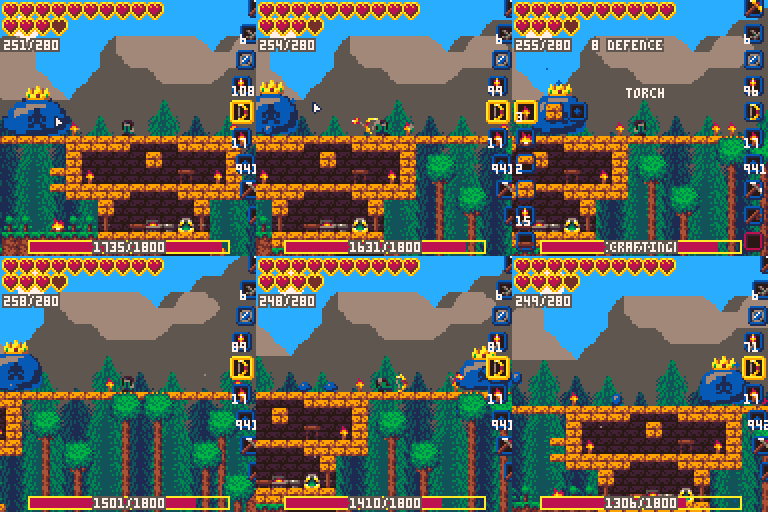
- 4 bosses: King Slime, the Eye of Cthulhu, Ocram, and Plantera, each with their own summoning requirements.
- Many enemies for each biome and underground, with most having multiple variants. (9 types, with 25 variations in total)
- Fancy world generation, with spaghetti caves!
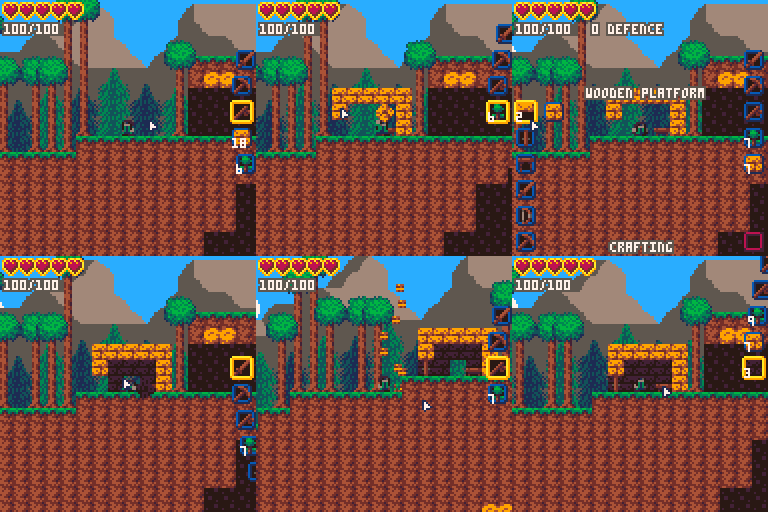
- Mining and crafting.
- Various melee weapons, and ranged weapons that automatically aim towards the nearest visible target, prioritising bosses.
- A basic palette fade lighting system, with a day-night cycle.
- Quite a few progression/recipe changes due to space limitations, details can be found on the Lexaloffle page.
- A built-in custom character creator cartridge, so you can use custom characters even when playing on an offline instance of PICO-8!
- Optional keyboard + mouse controls!
- Life Crystals and Shadow Orbs to smash!
Controls
! Change between Controller Mode and Mouse Mode by holding the pause button while in-game until the menu pops up, then press "TOGGLE MOUSE" !
Controller Mode:
🅾️/Z - Jump
❎/X - Use item
⬅️/➡️ - Move
⬆️/⬇️ - (Tools) Aim up or down
Pause/Enter - Open crafting/inventory screen (Hold: open system pause menu)
Inventory screen:
🅾️/Z - Pick up item or craft
❎/X - Move hover slot to trash if occupied, otherwise move trashed item to hover slot.
⬆️/⬇️ - Scroll / change selected item
⬅️ - Go to Crafting side
➡️ - Go to Inventory side
Pause/Enter - Close crafting/inventory screen (Hold: open system pause menu)
Keyboard + Mouse Mode:
Space Bar/Right Click: Jump
Left Click: Use item at mouse location
Scroll Wheel: Change selected item.
A/D: Move left/right
E/Enter/Scroll Wheel Click - Open crafting/inventory screen (Hold: open system pause menu)
Inventory screen:
Move the mouse to the side of the screen you would like to interact with.
Left Click - Pick up item or craft
Right Click - Move hover slot to trash if occupied, otherwise move trashed item to hover slot.
Scroll Wheel - Scroll / change selected item
E/Enter/Scroll Wheel Click - Close crafting/inventory screen (Hold: open system pause menu)
How to save your worlds and players
! Please note that save files will not work if you play on mobile !
For Windows, I recommend using Notepad++. This is what I use for my own save files
The pause menu can be brought up by holding the pause button, where there will be an option to save. Alternatively, on the web player version above, you can click the pause button to the right of the game.
- When saving, the player, then the world will be copied to the clipboard. Paste these into an empty text file each to save them! If you're overwriting an existing file, make sure it is completely empty first. (for example, in most text editors you would press ctrl+a to select all, then backspace to delete the old save, then ctrl+v to paste the new one, then save it with ctrl+s)
- When loading, simply drag and drop each file onto Terra when it asks and it will load them for you. Alternatively, you can copy the contents of the file and paste them onto the game.
Here is a video for a visual demonstration:
If the game crashes when you load your save, make sure there is no empty space at the start of the file! The save file's numbers MUST be the very first thing in the file, otherwise Terra doesn't know where they are.
Credits
- Using tline sprite rotation function from TheRoboZ and distance function from freds72.
- Music by jo560hs.
- Sup3rAw3som3Gam3r helped with multiple ideas and a few optimisations.
- Yeggplant for feedback and a few item suggestions.
- Everyone who has played and found bugs for me to fix!
Full Playthrough YouTube Playlist (1.4.4 dev)
The New Terra Wiki!
A member of the community has started a Fandom Wiki for Terra, where you can find information about Terra!
Description from Terra - A Terraria Demake on itch.io, by cubee.
Screenshots
Not listed by the developer: release date, system requirements, supported languages, age rating, multiplayer or online features, mobile platform support and touch controls. We left these out rather than guess.